RoboAd
FeaturesIntegrationsFAQBlog
Continue into RoboWrite

Resources for growth teams

Use our guides and blog to turn SEO findings into repeatable marketing wins.

Explore BlogContinue into RoboWrite

Explore Topics

Content Distribution & RepurposingMobile OptimizationSite Architecture & Internal LinkingService Area & Multi-LocationLocal Citations & NAP ConsistencyAd Copy & CreativeBidding & Budget StrategyAds Analytics & AttributionCompetitor & Content GapsCrawling & Indexing
RoboAd

Every website has untapped potential. Let's find yours.

  • Product

    • How It Works
    • FAQ
    • Blog
    • Start Writing
  • Company

    • Our Story
    • Contact
  • Legal

    • Privacy Policy
  • Support

    hello@robowrite.aiBook a Free Call

© 2026 RoboAd.ai. All rights reserved.

  1. Home
  2. Blog
  3. #Education
Blog Tag

Education

Schools, universities, edtech, online courses.
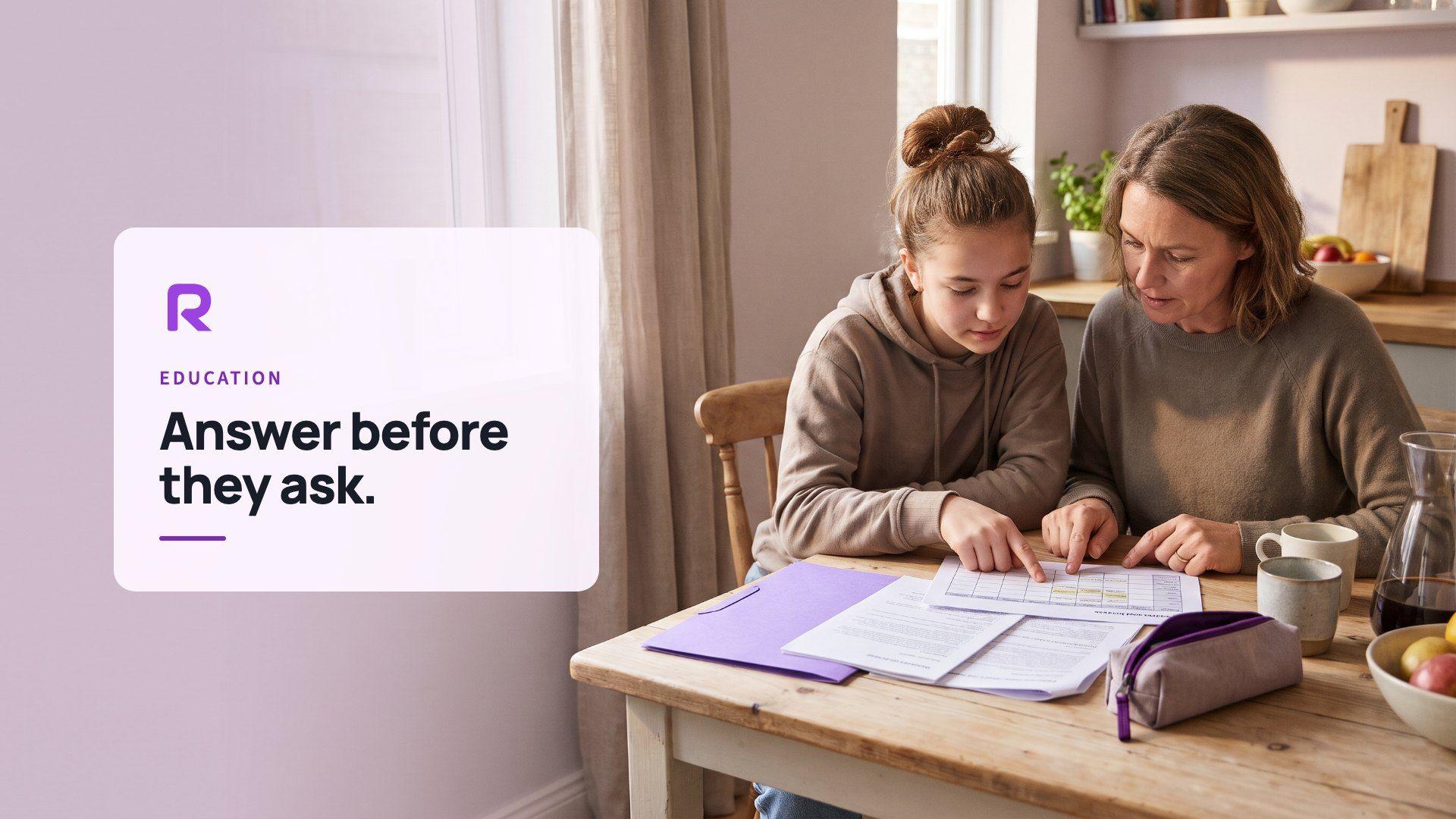
A parent and a teenager review a printed course schedule at a kitchen table beside a violet folder.

Schools, colleges, training providers, edtech companies and independent course creators all face the same website test: a prospective student, parent or buyer arrives with a specific question and decides within minutes whether this provider is right for them. What does the program cover? Who is it for? What does it cost, when does it start, and how do I apply? Education websites often bury those answers under mission statements, news posts and navigation built around the institution's departments rather than the visitor's decision.

This guide covers how education providers can make program information findable and usable, why accessibility deserves early attention, and how to measure what matters.

Visitors to an education site are usually at one of a few stages: exploring options, comparing specific programs, checking eligibility and cost, or ready to apply or buy. Structure pages to serve those stages:

  • Program or course pages that each answer: who it is for, what is taught, format (in person, online, hybrid), duration and schedule, cost or how cost is determined, entry requirements, and the next step.
  • Comparison help when you offer similar options, such as two certificate levels or full-time and part-time routes. A short table of differences saves a lot of email.
  • Admissions or enrolment pages with deadlines, required documents and a clear contact route.
  • Practical information that families and adult learners look for: location, transport or access, support services and key dates.

Google's guidance on helpful, people-first content asks, among other things, whether content provides a substantial, complete description of its topic and whether readers would leave needing to search again elsewhere. A program page that omits cost, schedule or entry requirements is likely to send readers searching elsewhere.

Outdated information is one of the most damaging problems on education sites: last year's fees, a discontinued course, or an application deadline that has passed. Practical safeguards:

  • Assign an owner for each program page and a review date tied to your academic or sales calendar.
  • Show the term or year that dates and fees apply to.
  • When a program is discontinued, explain what replaced it and link there, rather than deleting the page without a trace.
  • Keep the same facts consistent across the website, prospectus PDFs, course marketplaces and directory listings.

Education audiences include students, parents and staff with disabilities, so accessible content matters for every provider. For public schools, community colleges and public universities in the United States, which the Department of Justice lists as examples of state and local governments, it is also a specific legal requirement. The Department of Justice's fact sheet on its web and mobile app accessibility rule explains that the rule sets WCAG 2.1 Level AA as the technical standard for the web content and mobile apps of state and local governments under Title II of the ADA. The DOJ's first-steps resource for public entities includes the example of a public school providing course content through a password-protected learning management system.

The same DOJ resources note that an April 2026 interim final rule extended the compliance dates: April 26, 2027 for public entities with a total population of 50,000 or more, and April 26, 2028 for those with a smaller population and for special district governments. Population means the Census population of the government the institution belongs to (a state university uses its state's population), not enrolment; independent school districts use Census Small Area Income and Poverty Estimates. Whether and how the rule applies to a particular institution is a question for its ADA coordinator or counsel; private providers have other obligations to check.

Practical starting points for any education website:

  • Make sure program pages, application forms and key documents work with a keyboard and a screen reader.
  • Provide captions or transcripts for video content.
  • Prefer accessible web pages over scanned PDFs for information people need to act on.
  • Include accessibility checks in the review process for new pages, not only in occasional audits.

The best source of content ideas is the questions your admissions or sales staff answer repeatedly. Turn them into clear answers on the relevant page or on a dedicated questions page: "Can I study part-time while working?", "What happens if I miss a session?", "Is there a payment plan?" Answer directly, then add the detail and the condition that changes the answer.

Avoid promises you cannot keep. Outcome claims such as employment rates or salary figures should only appear if you can substantiate them and explain what they cover.

Traffic to a program page matters only if it leads to enquiries, applications or purchases. Track, for each program:

  • Visits to the program page and to the application or enquiry step.
  • Completed applications, enquiries or sales.
  • The questions that still arrive by phone or email, which often reveal what the page is missing.

An illustrative example: a small community music school offers group classes for children and private lessons for adults, and receives the same questions by phone every week.

  • Problem: the "Classes" page lists course names only. Fees are in a PDF from the previous year, and term dates appear in a news post.
  • Changes: the school creates one page per offering with age range, schedule, current term fees, what to bring, and how to enrol. A short table compares group classes and private lessons. The outdated PDF is replaced with an accessible web page showing the current term.
  • Accessibility: a volunteer tests the enrolment form using only a keyboard and finds a date picker that cannot be operated without a mouse; the school's web provider replaces it.
  • Measurement: the school counts enrolment form submissions per program each term and notes which questions still arrive by phone.

No increase in enrolments is assumed; the school judges the change by enquiries and by the questions staff no longer have to answer.

  • Give each program its own page with audience, content, format, schedule, cost and next step.
  • Add comparison tables where programs are easily confused.
  • Show which term or year dates and fees apply to.
  • Assign an owner and review date for each program page.
  • Redirect or explain discontinued programs instead of deleting them silently.
  • Check forms and key pages with a keyboard and a screen reader.
  • Caption videos and replace scanned PDFs with accessible pages where possible.
  • Public institutions: confirm the DOJ rule's applicability and dates with your ADA coordinator.
  • Track enquiries and applications per program, not just visits.

What should every course or program page include?

Who it is for, what is taught, the format and schedule, the cost or how it is set, entry requirements, and a clear next step such as an application or enquiry form.

Do education websites have to meet WCAG accessibility standards?

For US state and local government entities, including public schools, the Department of Justice's Title II rule sets WCAG 2.1 Level AA as the standard, with compliance dates of April 2027 or April 2028 depending on the population of the government entity, not enrolment. Other providers should confirm their own obligations.

How can a school find out what to add to its website?

Ask admissions or front-office staff which questions they answer repeatedly, then answer those questions clearly on the relevant program or admissions pages.

  • Fact Sheet: New Rule on the Accessibility of Web Content and Mobile Apps Provided by State and Local Governments (ADA.gov) — https://www.ada.gov/resources/2024-03-08-web-rule/
  • State and Local Governments: First Steps Toward Complying with the ADA Title II Web and Mobile Application Accessibility Rule (ADA.gov) — https://www.ada.gov/resources/web-rule-first-steps/
  • Creating Helpful, Reliable, People-First Content (Google Search Central) — https://developers.google.com/search/docs/fundamentals/creating-helpful-content

  • Build an FAQ Page That Answers Real Customer Questions
  • A Ten-Point Mobile Website Review
#️⃣

No articles found with this tag yet. Check back soon!

Browse All Articles

Related Tags

#Storytelling#Headlines & Titles#Schema Markup#Search Intent#Step-by-Step Guide#Glossary / Explainer#Google Search Console#Google Analytics#ChatGPT#Bing Copilot#E-commerce / DTC#Beginner

Explore Related Tags

Discover more topics through these tags

#Storytelling#Headlines & Titles#Schema Markup#Search Intent#Step-by-Step Guide#Glossary / Explainer#Google Search Console#Google Analytics#ChatGPT#Bing Copilot#E-commerce / DTC#Beginner#Instagram#Quick Win#Shopify#Startup#TikTok#YouTube#DIY Operator#Audit Walkthrough#Google Business Profile#Microsoft Ads#Workflow Automation#Small Business#Checklist