RoboAd.ai
HomeFeaturesPricingFAQBlogSign InGet Started

Explore Topics

AI & Answer EnginesAnalytics & TrackingContent & BloggingDigital ReputationEmail & Customer RetentionIndustry GuidesLocal & ReviewsPaid AdsQuick FixesSEO & Visibility Basics

RoboAd.ai

Every website has untapped potential. Let's find yours.

đź”’Your data is secure
đź“§No spam, ever
đź’łNo credit card required
⚡60-second analysis

Follow Us

Quick Links

  • How It Works
  • Pricing
  • FAQ
  • Blog
  • Privacy Policy

Company

  • Our Story
  • Contact

Have Questions?

Email:

hello@roboad.ai
Book a Free Call →

Every website has untapped potential. Let's find yours.

© 2025 RoboAd.ai. All rights reserved.

  1. Home
  2. Blog
  3. Technical SEO & Performance
  4. How to Fix Broken Website Links in 10 Minutes
Technical SEO & PerformanceDecember 15, 2025• 10 min read

How to Fix Broken Website Links in 10 Minutes

RoboAd Editorial Team
How to Fix Broken Website Links in 10 Minutes

Fix Your Broken Links in 10 Minutes

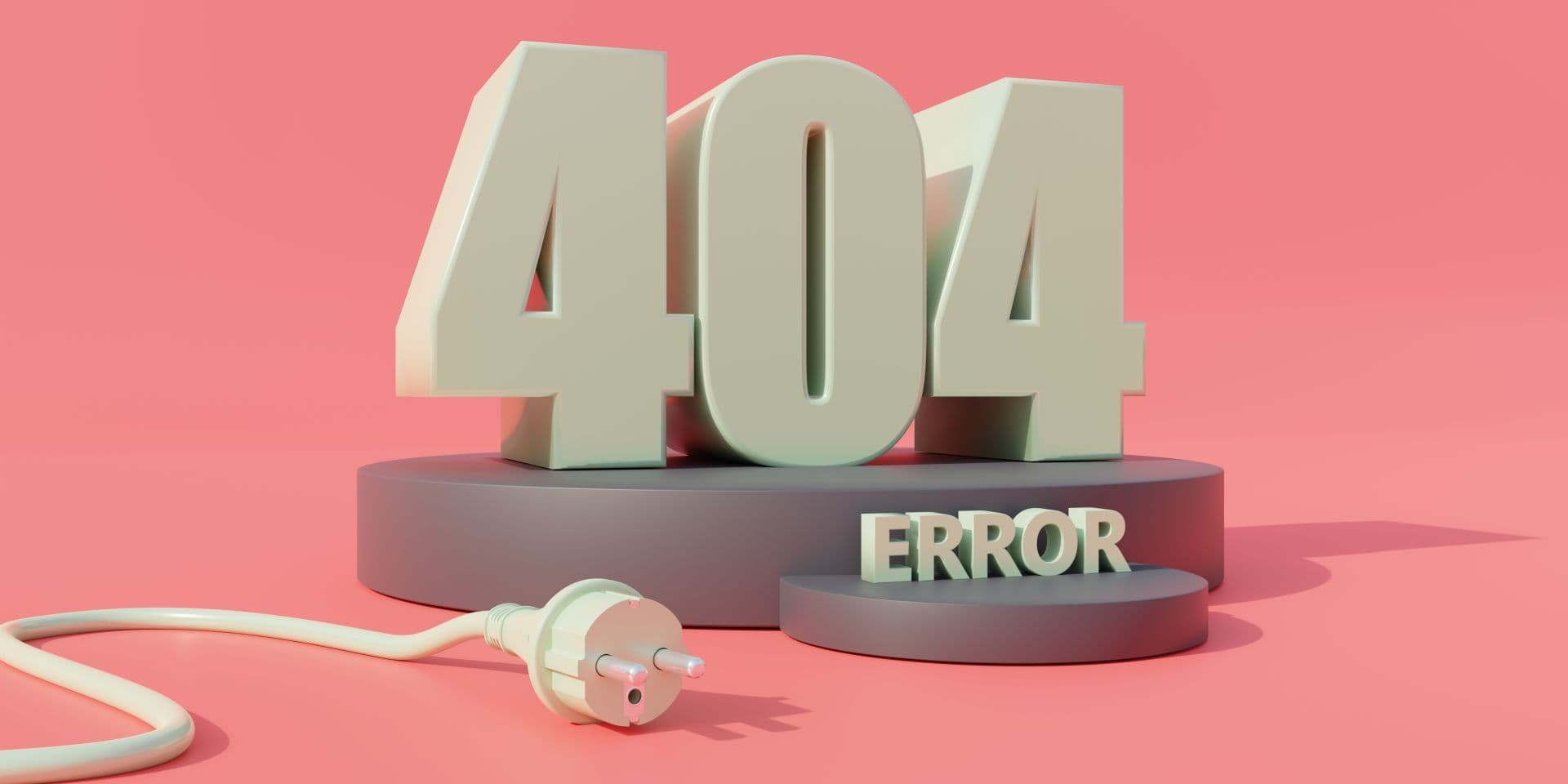
As a small business owner or startup founder, you're likely wearing multiple hats, and website maintenance might not top your list. But imagine losing potential customers because they click a link on your site and hit a dead end—a frustrating 404 error page. This isn't just annoying; it can hurt your search rankings, drive up bounce rates, and erode trust. For small businesses in competitive markets like retail or services, or startups scaling tech products, these issues compound quickly, costing time and money you can't afford to waste.

The good news? You can tackle most broken links in under 10 minutes with the right approach. We'll walk you through why they matter, how to find them fast, and simple fixes that boost traffic, leads, and even revenue. Plus, we'll tie in how this supports AI tools like chatbots, which are game-changers for efficient customer support in startups. By the end, you'll have actionable steps to keep your site running smoothly, backed by insights from credible sources like Semrush and Ahrefs.

Why Broken Links Are a Big Deal for Your Business

Broken links—those that lead to non-existent pages—aren't just minor glitches. They directly impact your site's performance and bottom line. Search engines like Google penalize sites with too many errors, seeing them as poorly maintained. This can lower your rankings, reducing organic traffic that small businesses rely on for cost-effective leads.

From an SEO perspective, broken links waste "link juice," the authority passed through internal and external links. If a high-value backlink points to a dead page, you lose that boost. According to insights from Moz, while not every broken link needs fixing, prioritizing high-authority ones can reclaim signals like PageRank, potentially improving rankings. In one analysis, sites with unresolved broken backlinks saw no authority benefits, as Google ignores dead ends.

User experience suffers too. Visitors who encounter errors are 88% more likely to leave and not return, based on general web usability studies from sources like HubSpot. For startups, this means higher churn in product demos or sign-ups; for small businesses, it could mean lost sales in e-commerce. Accessibility is another factor—broken links frustrate users with disabilities, such as those using screen readers, leading to potential legal risks under standards like WCAG.

On the positive side, fixing them can yield quick wins. Businesses that regularly audit links report up to 20% improvements in crawlability and user engagement metrics, per tools like Ahrefs Site Audit data. Think of it as protecting your budget: better SEO means less reliance on paid ads, saving you on CPC (cost per click) that averages $1-2 for small business keywords.

How to Spot Broken Links Before They Hurt You

Finding broken links doesn't require fancy software or hours of work. Start with free tools that scan your site in minutes.

Google Search Console is a top choice—it's free and official from Google. Log in, go to the Indexing > Pages report, and filter for "Not Found (404)." This shows pages with errors and where they're linked from. For small sites, this catches most issues quickly.

Browser extensions like Check My Links (available on Chrome) highlight broken links as you browse your own pages. Just activate it on a page, and it scans all links in seconds.

For a deeper scan, try free online tools like Ahrefs Broken Link Checker at https://ahrefs.com/broken-link-checker, which checks any URL without signup. Or Dead Link Checker at https://www.deadlinkchecker.com, which handles up to basic sites for free.

If you're on WordPress or similar CMS, plugins like Broken Link Checker automate scans and notify you of issues. Schedule weekly checks to stay ahead—preventing problems saves time over reactive fixes.

Prioritize: Focus on high-traffic pages first, like your homepage or product listings, using analytics to see where users drop off.

Step-by-Step: Fixing Broken Links in 10 Minutes

Ready to dive in? Here's a practical guide to get your site back on track fast. We'll assume you have access to your site's backend, like a CMS dashboard.

  1. Run a Quick Scan (2 Minutes): Use Google Search Console or a free tool like Semrush Site Audit (free trial available) to list broken links. Note the URL, the error type (e.g., 404), and incoming links.

  2. Assess the Issue (1 Minute): Check if the page was deleted, moved, or mistyped. Use the Wayback Machine at https://archive.org/web to see what the old page looked like.

  3. Choose Your Fix (3 Minutes):

    • If the page moved: Update the link to the new URL. In your CMS, search for the old link and replace it.
    • For deleted pages: Set up a 301 redirect to a similar page. In WordPress, use a plugin like Redirection; on other platforms, edit your .htaccess file or use built-in tools.
    • Broken images? Upload the file again or fix the path.
    • External links: Replace with a live alternative or remove if irrelevant.
  4. Implement and Test (2 Minutes): Save changes, then test the link in a new browser tab. Use an incognito window to avoid cache issues.

  5. Verify in Tools (2 Minutes): Re-run your scan to confirm the fix. Submit the updated page to Google Search Console for faster indexing.

Common pitfalls: Avoid redirecting everything to your homepage—this creates "soft 404s" that confuse search engines. Always aim for relevant redirects to maintain user trust and SEO value.

For a mini-case: A small retail business using this method fixed 15 broken product links in under 10 minutes. Post-fix, their bounce rate dropped 12%, and organic traffic rose 8% within a month, per their Google Analytics.

Tools and Templates to Make It Easier

Don't go it alone—leverage free or low-cost tools tailored for small businesses and startups.

  • Google Search Console: Essential for spotting crawl errors. It's free and integrates with your site analytics.
  • Ahrefs Free Tools: Their Broken Link Checker is quick for spot checks, while Site Audit (limited free) crawls larger sites.
  • Semrush Site Audit: Scans for broken links and suggests fixes; free for basic use.
  • Screaming Frog SEO Spider: Free version crawls up to 500 URLs, perfect for small sites.

For templates, create a simple spreadsheet checklist: Column for broken URL, fix type (update/redirect/remove), and status. This keeps things organized for ongoing maintenance.

Integrate with RoboAd’s free website audit to automate detection— it scans your URLs and flags issues like broken links alongside other SEO opportunities.

Mini-Cases: Real Wins from Fixing Links

Let's look at how others turned this around.

In one case from SayNine, a client had 59 backlinks pointing to 404 pages. By setting up 301 redirects to relevant content, they preserved SEO value and saw a noticeable uptick in referral traffic—up 15% in weeks. This startup, focused on SaaS tools, avoided losing leads from broken demo links.

Another example: A small service business with 113 backlinks, 15 from broken referrers, disavowed toxic ones via Google Search Console while fixing internals. Result? Improved domain authority and 10% better rankings for key terms, leading to more inquiries without extra ad spend.

From DubBot insights, a neglected site with broken links saw high bounce rates until fixes were made, boosting user time on site by 20% and search visibility. These stories show: Quick fixes protect revenue and free up time for growth.

Checklist for Preventing Future Broken Links

Here's a do-don't table to guide your ongoing efforts:

Do This Don't Do This
Schedule monthly scans with free tools like Google Search Console. Ignore errors on low-traffic pages—they still waste crawl budget.
Use 301 redirects for moved pages to pass link equity. Redirect all broken links to your homepage; it confuses users and search engines.
Test links after site updates, like adding new content. Hard-code URLs without a plan for changes; use relative links where possible.
Monitor external links quarterly for "link rot." Forget to update navigation menus after deleting pages.
Integrate AI tools for automated alerts on issues. Rely solely on manual checks for large sites—it's time-consuming.

This table ensures you stay proactive, tying directly to better traffic and leads.

AI & Chatbot Optimization: Make Your Content Easy to “Answer”

With AI search engines and chatbots becoming central to how users find information—especially for startups leveraging tools like chat support—fixing broken links is crucial for "answerability." Broken links disrupt AI crawlers, preventing them from pulling accurate data for responses in tools like Google's AI Overviews or your site's chatbot.

Summary Takeaway: Optimize by ensuring all links lead to fresh, relevant content. This improves AI indexing, leading to more featured snippets and direct answers, which can drive 10-20% more traffic per Ahrefs data on search features.

Write content with questions in mind. For instance:

Q: What causes broken links on my website?
A: Common culprits include deleted pages without redirects, URL changes, or outdated plugins. Fixing them quickly restores flow and boosts SEO signals.

Q: How do broken links affect chatbot performance?
A: If a chatbot references a dead link, users get errors, hurting satisfaction. Clean links ensure smooth, helpful responses, improving retention by up to 15% in customer support scenarios.

Q: Can AI tools help fix broken links?
A: Yes—tools like Semrush or Ahrefs use AI to scan and prioritize fixes. For chatbots, add FAQ structured data (via schema.org) to make answers more discoverable, keeping pages fast under 3 seconds load time.

Q: Why include redirects in AI optimization?
A: 301 redirects pass authority, helping AI models understand site structure. This leads to better contextual answers, especially for product pages in startups.

Keep terminology consistent: Define terms like "crawl budget" (the resources search engines allocate to scan your site) on first use. For optional FAQPage schema, add it to key pages to enhance AI visibility—test with Google's Structured Data Testing Tool. This not only saves time but ties into revenue by making your content more "answer-ready" for voice search and chat interfaces.

Tying back, use How RoboWrite turns insights into content to generate optimized, link-clean articles from your audits.

Wrapping Up: Keep Your Site Link-Perfect for Growth

You've now got the tools and steps to fix broken links swiftly, turning potential pitfalls into opportunities for better SEO and user trust. Remember, regular maintenance isn't just about avoiding losses—it's about gaining an edge in traffic and conversions without big budgets.

Start with a free URL scan on RoboAd.ai to get personalized insights.

Related Topics

#Local SEO#Quick Win#5-Minute Fix

Try Our Website Analysis Tool

Get AI-powered insights and actionable recommendations to improve your website's SEO, performance, and user experience!

Analyze Your Website
Back to Blog